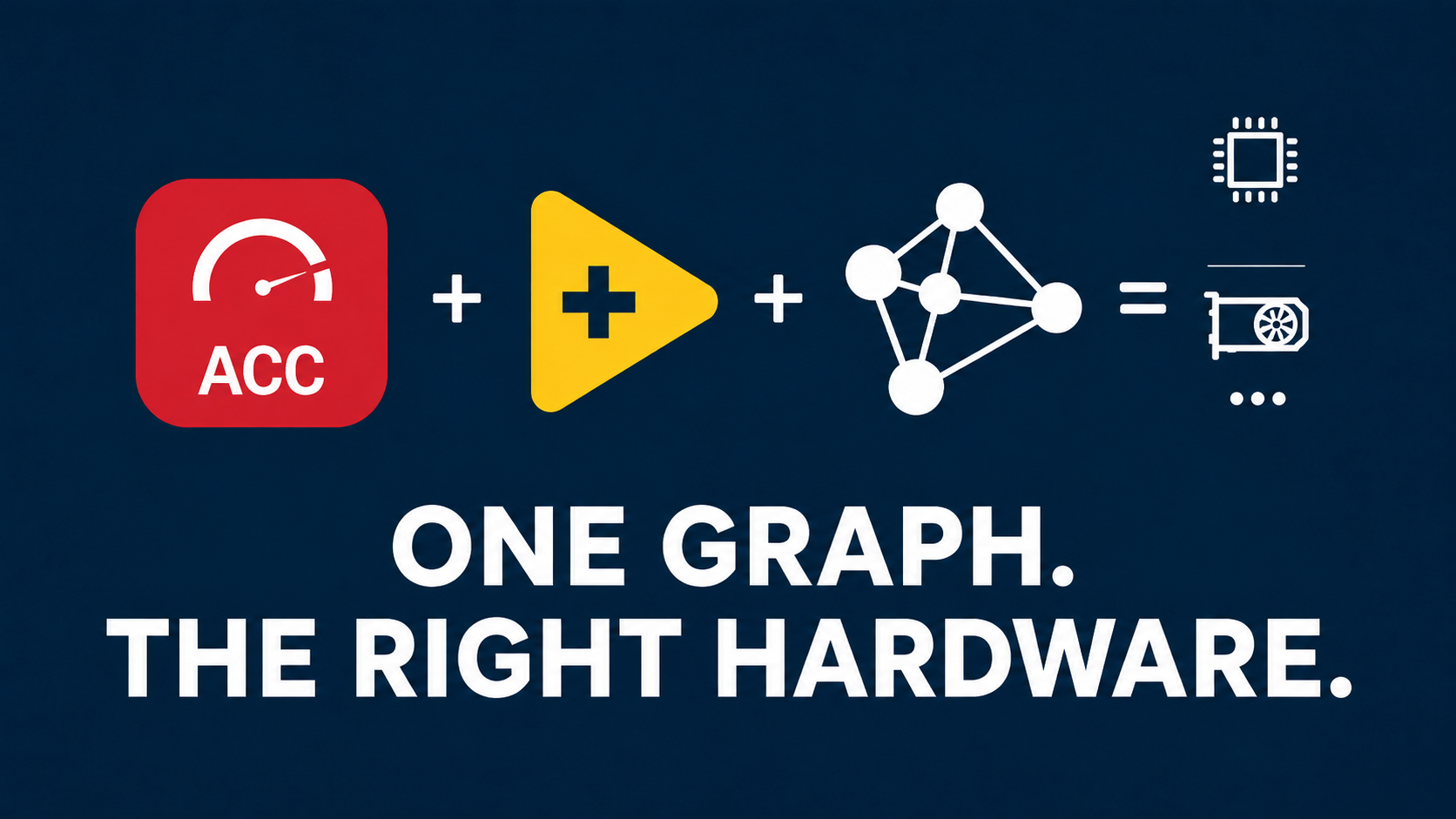

SOTA now integrates the llama.cpp runtime, bringing native GGUF model
execution to LabVIEW through the LabVIEW GenAI Toolkit.
LabVIEW developers can now load and run compatible GGUF models directly
inside their applications, without first converting them to ONNX or relying
on a separate Python deployment environment.
To use GGUF models in LabVIEW, install the
LabVIEW GenAI Toolkit, available directly through the
SOTA platform
.
This new integration brings efficient local Large Language Model inference
to industrial systems, research applications, automation projects, and test
and measurement solutions developed with LabVIEW.
llama.cpp Joins the SOTA Runtime Ecosystem
We are proud to announce the integration of
llama.cpp into the SOTA runtime ecosystem through the
LabVIEW GenAI Toolkit.
llama.cpp is a high-performance C and C++ inference engine designed to run
Large Language Models efficiently on local hardware. It is widely used to
execute quantized language models on CPUs and supported hardware
accelerators.
Despite its name, llama.cpp is not limited to the Llama model family. It
supports a growing range of compatible model architectures distributed in
the GGUF format.
By integrating this runtime into the LabVIEW GenAI Toolkit, SOTA makes GGUF
inference directly accessible from LabVIEW applications.
Install the LabVIEW GenAI Toolkit, load a compatible GGUF model, and
integrate local Generative AI directly into your LabVIEW
application.
What Is the GGUF Format?
GGUF is a binary model format designed for inference with GGML-based
runtimes such as llama.cpp.
A GGUF file can contain the model tensors, architecture information,
tokenizer configuration, and additional metadata required by the inference
runtime. The format is extensible and designed to simplify model
distribution and loading.
GGUF is also widely associated with model quantization. Quantization reduces
the numerical precision used to store model weights, which can significantly
decrease model size and memory requirements.
Depending on the selected quantization level, this can make it possible to
run capable language models on workstations, industrial computers, and edge
systems that would not be able to load the original full-precision model.
Quantization involves a balance between model size, memory consumption,
inference speed, and output quality. Developers can therefore select a GGUF
model and quantization level that match the capabilities and constraints of
their target hardware.
GGUF, llama.cpp, and the LabVIEW GenAI Toolkit
GGUF, llama.cpp, and the LabVIEW GenAI Toolkit each have a specific role in
the inference workflow:
-
GGUF is the file format used to store and distribute
the model, its tensors, and its metadata. -
llama.cpp is the inference runtime responsible for
loading and executing compatible GGUF models. -
The LabVIEW GenAI Toolkit provides the LabVIEW
integration required to initialize models, configure inference, send
prompts, and retrieve generated outputs. -
SOTA provides the platform used to install and manage
the LabVIEW GenAI Toolkit and its runtime dependencies.
This means that an existing compatible .gguf model can be
loaded by the llama.cpp runtime and controlled directly from a LabVIEW
application.
How to Run GGUF Models in LabVIEW
To run compatible GGUF models in LabVIEW, users must install the
LabVIEW GenAI Toolkit from the SOTA platform.
The general workflow is:
-
Install SOTA and the LabVIEW GenAI Toolkit from the
SOTA ecosystem page
. -
Select a GGUF model compatible with the llama.cpp runtime included in
the toolkit. - Initialize the model and inference session from LabVIEW.
-
Configure the context, CPU threads, GPU layers, and generation
parameters according to the target system. -
Send prompts to the model and retrieve the generated output directly in
LabVIEW.
Complete information about the available GenAI functions can be found in
the
LabVIEW GenAI Toolkit documentation
.
What Does This Enable in LabVIEW?
Native GGUF support introduces a new category of AI capabilities for
LabVIEW applications.
Developers can now use compatible language models to create features such
as:
- Local conversational assistants integrated into LabVIEW interfaces.
- Natural-language interaction with test and measurement applications.
- Automatic summarization of test results, logs, and reports.
- Extraction of structured information from technical documents.
- Classification and analysis of maintenance or production messages.
- Generation of operator instructions and contextual explanations.
- Local engineering assistants connected to application data.
-
Retrieval-augmented generation workflows using private technical
documentation.
The exact capabilities depend on the selected model, its architecture, its
training, and the surrounding application workflow. However, the complete
inference process can now be initialized and controlled directly from
LabVIEW.
Streaming Text Generation Directly in LabVIEW
The LabVIEW GenAI Toolkit provides functions for sending prompts to a model
and retrieving generated text.
Generated content can be returned progressively, token by token, allowing
developers to create responsive user interfaces similar to modern
conversational AI applications.
This streaming approach can be used to:
- Display generated answers progressively in a LabVIEW interface.
- Update an operator assistant while the model is generating.
- Stop an active generation process when required.
- Process generated tokens as part of a larger LabVIEW workflow.
- Connect model output to application logic and user-interface events.
Control the Generation Process from LabVIEW
The LabVIEW GenAI Toolkit provides access to runtime and generation
parameters that influence model execution and output behavior.
Depending on the model and toolkit version, developers can configure
parameters such as:
- CPU thread count.
- Number of model layers offloaded to the GPU.
- Context size.
- Maximum number of generated tokens.
- System prompt.
- Temperature.
- Top-k sampling.
- Top-p sampling.
- Minimum probability sampling.
- Repetition and frequency penalties.
These settings provide control over performance, memory usage, response
diversity, determinism, and text-generation behavior.
Local LLM Inference for Industrial Applications
Many industrial and research environments cannot depend entirely on remote
cloud services.
Production data, measurement results, technical documentation, and customer
information may need to remain within a controlled infrastructure. Some
systems must also continue operating when an internet connection is
unavailable.
When a GGUF model is deployed locally through the LabVIEW GenAI Toolkit,
prompts, contextual data, and generated outputs can remain on the target
system without being sent to an external inference API.
Local inference can provide several important advantages:
- Reduced dependency on external AI services.
- Operation without a permanent internet connection.
- Greater control over where application data is processed.
- No per-request cloud inference cost.
- Direct integration with existing LabVIEW workflows.
- Deployment on dedicated workstations or industrial computers.
- Predictable integration within controlled system architectures.
The available performance depends on the model size, quantization level,
context length, runtime configuration, and target hardware.
Designed for Test and Measurement Workflows
LabVIEW applications already manage acquisition systems, measurement
instruments, automated test sequences, production machines, and monitoring
interfaces.
The llama.cpp integration makes it possible to add a language-model layer
directly to these applications.
For example, a local model could receive test results and produce a readable
summary for an operator. It could analyze an error log, identify the most
relevant messages, and generate a contextual explanation.
It could also provide a natural-language interface for navigating
procedures, technical documentation, historical maintenance records, or
measurement results.
LabVIEW continues to manage acquisition, control, dataflow, instrumentation,
and the user interface, while the GGUF model provides language-processing
and content-generation capabilities.
A New Runtime Alongside ONNX Runtime and PyTorch Runtime
llama.cpp does not replace the runtimes already available in SOTA. It
introduces another deployment path for a different category of models and
applications.
-
ONNX Runtime provides standardized and portable
inference for models distributed in the ONNX format. -
PyTorch Runtime allows compatible PyTorch models to be
executed directly without mandatory conversion to ONNX. -
llama.cpp Runtime provides efficient local inference
for compatible models distributed in the GGUF format.
These runtimes form an increasingly complete AI ecosystem for LabVIEW,
covering traditional Deep Learning inference as well as local Generative AI
workflows.
Developers can select the model format and inference runtime that best match
their application, hardware, performance requirements, and deployment
constraints.
To learn more about the native PyTorch integration already available in
SOTA, read our article:
PyTorch Is Now Natively Supported in LabVIEW
.
Access a Growing Ecosystem of GGUF Models
A large and growing collection of GGUF models is available through public
model-distribution platforms.
These models cover different parameter counts, architectures, languages,
specializations, context sizes, and quantization levels.
Developers can select smaller models for lightweight local assistants or
larger models for more demanding text-generation and reasoning workflows.
Model compatibility must be verified against the architectures and GGUF
versions supported by the llama.cpp runtime distributed with the LabVIEW
GenAI Toolkit.
Available Through the LabVIEW GenAI Toolkit
Native GGUF support and the llama.cpp runtime integration are delivered
through the LabVIEW GenAI Toolkit.
To use this functionality, install the toolkit directly from the SOTA
platform.
This integration represents another important milestone in our objective to
bring modern AI frameworks, model formats, inference runtimes, and hardware
optimizations directly into the LabVIEW ecosystem.
We are proud to provide LabVIEW developers with a new way to build local,
efficient, and fully integrated Generative AI applications.
Frequently Asked Questions
Can GGUF models now run directly in LabVIEW?
Yes. Compatible GGUF models can be loaded and executed directly from
LabVIEW through the llama.cpp runtime integrated into the LabVIEW GenAI
Toolkit.
What do I need to install to run GGUF models in LabVIEW?
You must install the LabVIEW GenAI Toolkit, available
through the
SOTA platform
.
The toolkit provides the LabVIEW functions and runtime integration required
to load compatible GGUF models and control inference.
Do I need to convert a GGUF model to ONNX?
No. When a model is already available in a compatible GGUF representation,
it can be loaded directly by the llama.cpp runtime without conversion to
ONNX.
Can every GGUF model be executed?
Not necessarily. Compatibility depends on the model architecture, GGUF
version, tokenizer, model metadata, and the version of llama.cpp integrated
into the LabVIEW GenAI Toolkit.
The supported-model documentation should be checked before deployment.
Can the model run without an internet connection?
Yes. Once the LabVIEW GenAI Toolkit and the required model files are
installed locally, inference can operate without a cloud service or a
permanent internet connection.
Any additional online services used by the surrounding LabVIEW application
remain separate from the local model runtime.
Can llama.cpp use hardware acceleration?
llama.cpp supports multiple CPU and hardware-acceleration backends. The
acceleration options available in LabVIEW depend on the runtime package,
operating system, toolkit version, and target hardware.
Does llama.cpp replace ONNX Runtime or PyTorch Runtime?
No. Each runtime addresses a different model format and deployment
workflow. llama.cpp extends the SOTA runtime ecosystem with native support
for compatible GGUF models.