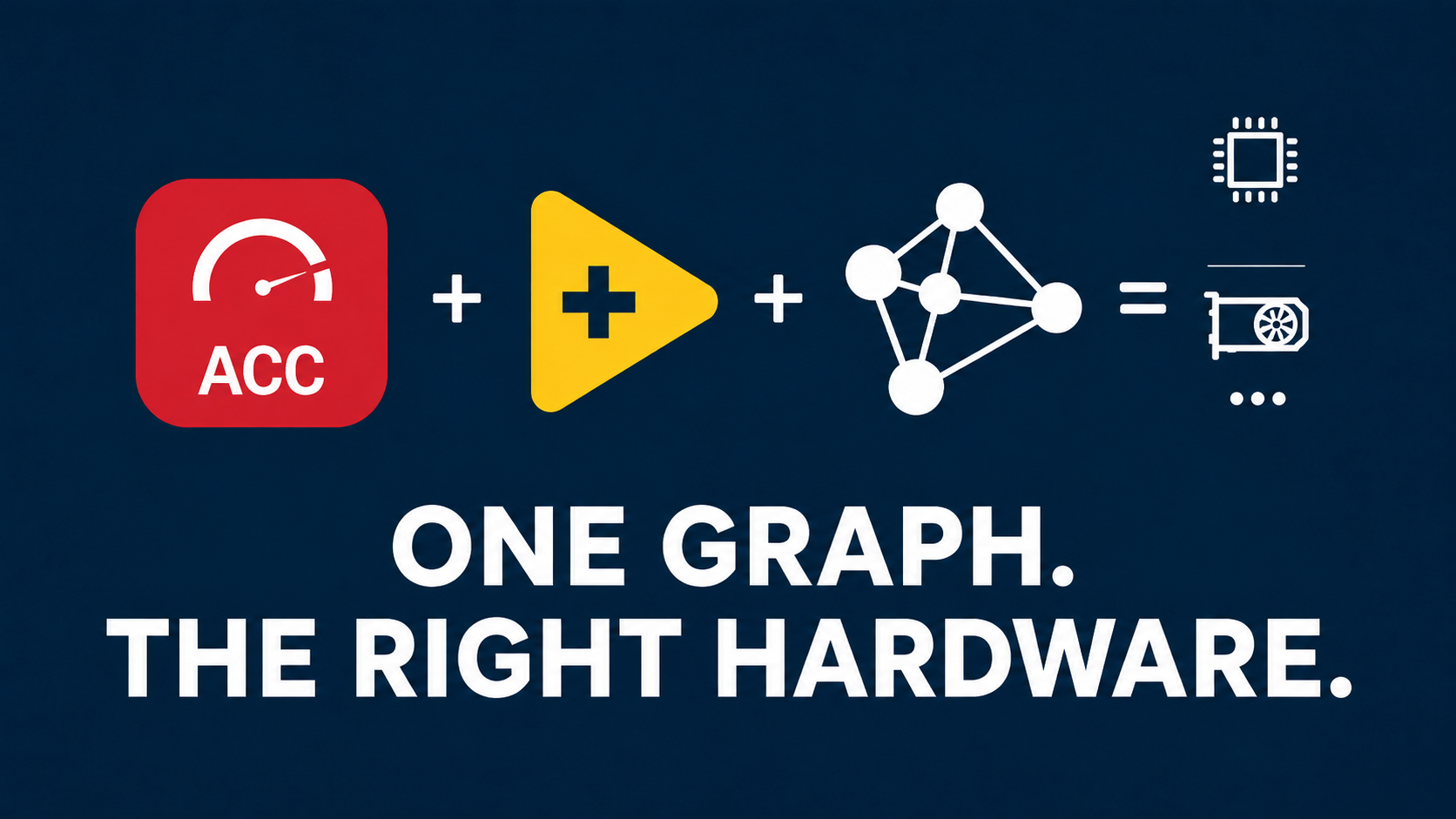

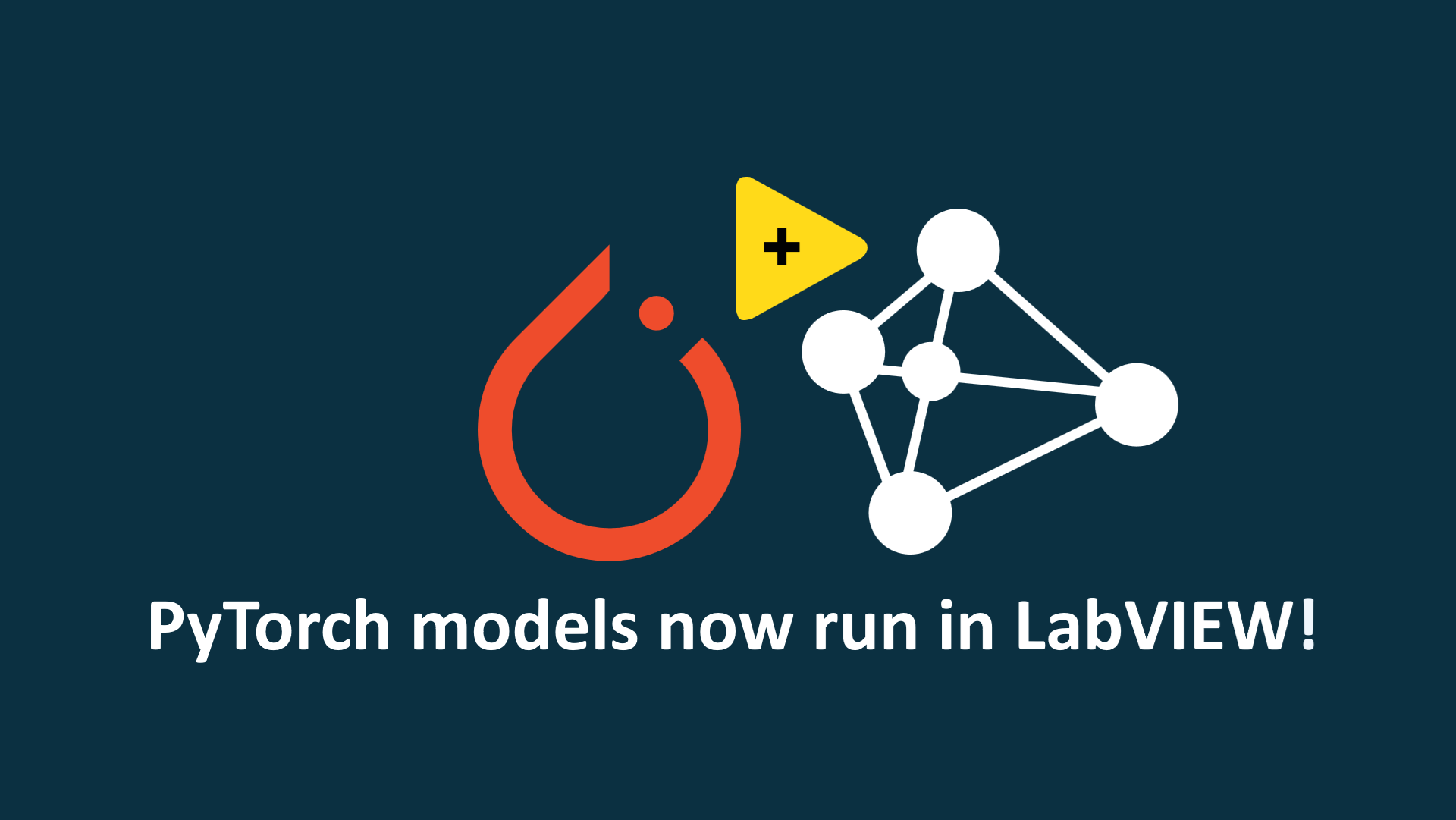
We are proud to announce the native integration of the PyTorch runtime
into the LabVIEW Deep Learning Toolkit, alongside ONNX Runtime.
With this new integration, LabVIEW developers can load and execute compatible
PyTorch models directly in their applications, without first converting them
to ONNX.
This release represents another important step in the evolution of our Deep
Learning ecosystem for LabVIEW. Our objective remains the same: make modern
AI frameworks easier to integrate into test, measurement, automation, and
industrial applications.
Run PyTorch Models Directly in LabVIEW
PyTorch is widely used by researchers, engineers, and Machine Learning teams
to develop, train, and validate Deep Learning models.
Until now, integrating a PyTorch model into a LabVIEW application could
require an intermediate export or conversion to ONNX. Although ONNX remains
an excellent choice for portability and standardized deployment, this
conversion step is not always desirable.
By integrating the PyTorch runtime into the LabVIEW Deep Learning Toolkit,
compatible PyTorch models can now be executed directly from LabVIEW.
This removes the mandatory conversion step and provides a workflow that
remains closer to the original PyTorch project.
No Mandatory Conversion to ONNX
Converting a model to ONNX can introduce additional validation and
maintenance work. Depending on the model architecture, some operators,
dynamic behaviors, or framework-specific features may also require
adaptations during export.
Native PyTorch runtime support provides an alternative deployment path.
LabVIEW developers can now:
- Load and execute compatible PyTorch models directly from LabVIEW.
- Avoid a mandatory conversion to ONNX.
- Reduce the number of steps between model development and deployment.
- Keep the deployed model closer to the original PyTorch workflow.
- Accelerate prototyping, validation, and integration.
- Control inference directly from a LabVIEW application.
Develop with PyTorch. Deploy directly in LabVIEW. No mandatory ONNX
conversion.
PyTorch Runtime and ONNX Runtime in One Toolkit
The integration of PyTorch does not replace ONNX Runtime. It extends the
capabilities already available in the LabVIEW Deep Learning Toolkit.
Developers can now select the runtime that best matches the technical
requirements of each project.
| Runtime | Recommended Use | Main Advantage |
|---|---|---|
| PyTorch Runtime | Direct execution of compatible PyTorch models while keeping a workflow close to the original project. |
No mandatory conversion to ONNX. |
| ONNX Runtime | Standardized and portable deployment across multiple environments and execution providers. |
Portability and framework-independent deployment. |
Both approaches remain available within the same LabVIEW Deep Learning
environment. This gives developers greater control over model integration,
runtime selection, and deployment architecture.
A More Flexible Deep Learning Workflow
A typical Deep Learning project involves several different teams and tools.
Data scientists may train models with Python and PyTorch, while test and
automation engineers build production systems with LabVIEW.
The new PyTorch runtime integration creates a more direct connection between
these environments.
Machine Learning teams can continue to use their established PyTorch
workflow, while LabVIEW developers can integrate inference into applications
responsible for:
- Data acquisition.
- Image processing and machine vision.
- Automated testing.
- Measurement and instrumentation.
- Industrial monitoring.
- Control and production systems.
The complete inference process remains controlled from the LabVIEW
application, alongside the rest of the system logic.
The Next Step in Our LabVIEW AI Roadmap
This announcement continues the expansion of our AI and Deep Learning
capabilities for LabVIEW.
Following the integration of the Hugging Face ecosystem and support for the
SafeTensors format, native PyTorch runtime support introduces another
deployment option for LabVIEW users.
Our goal is to provide a unified environment in which engineers can work
with modern model formats and inference runtimes without leaving their
LabVIEW applications.
With PyTorch Runtime and ONNX Runtime available side by side, users can now
select the most appropriate deployment strategy according to:
- The original model framework.
- The model architecture and supported operations.
- Portability requirements.
- Target hardware.
- Performance requirements.
- Application deployment constraints.
Available Through the SOTA Platform
The PyTorch runtime integration is available through the SOTA platform as
part of the LabVIEW Deep Learning Toolkit.
We are proud to introduce this new capability and to continue extending the
possibilities of Deep Learning development and deployment in LabVIEW.
Frequently Asked Questions
Can I run a PyTorch model in LabVIEW without converting it to ONNX?
Yes. The integrated PyTorch runtime allows compatible PyTorch models to be
loaded and executed directly from LabVIEW without a mandatory conversion to
ONNX.
Does PyTorch runtime support replace ONNX Runtime?
No. ONNX Runtime remains available and fully supported. PyTorch Runtime is an
additional deployment option that complements the existing ONNX Runtime
integration.
Which runtime should I use?
PyTorch Runtime is appropriate when you want to keep the deployed model
close to its original PyTorch workflow and avoid an intermediate ONNX
conversion.
ONNX Runtime remains appropriate when standardized model exchange,
framework-independent deployment, portability, or specific execution
providers are required.
Are all PyTorch models supported?
Compatibility depends on the model representation, architecture, operators,
and runtime requirements. Refer to the technical documentation for the
supported model types and deployment conditions.
Where can I install the PyTorch integration?
The integration is distributed through the SOTA platform as part of the
LabVIEW Deep Learning Toolkit.
Related Resources
- Install the LabVIEW Deep Learning Toolkit from SOTA
- Read the PyTorch integration documentation
- Discover the Hugging Face and SafeTensors integration
We are proud to announce the native integration of the PyTorch runtime
into the LabVIEW Deep Learning Toolkit, alongside ONNX Runtime.
With this new integration, LabVIEW developers can load and execute compatible
PyTorch models directly in their applications, without first converting them
to ONNX.
This release represents another important step in the evolution of our Deep
Learning ecosystem for LabVIEW. Our objective remains the same: make modern
AI frameworks easier to integrate into test, measurement, automation, and
industrial applications.
Run PyTorch Models Directly in LabVIEW
PyTorch is widely used by researchers, engineers, and Machine Learning teams
to develop, train, and validate Deep Learning models.
Until now, integrating a PyTorch model into a LabVIEW application could
require an intermediate export or conversion to ONNX. Although ONNX remains
an excellent choice for portability and standardized deployment, this
conversion step is not always desirable.
By integrating the PyTorch runtime into the LabVIEW Deep Learning Toolkit,
compatible PyTorch models can now be executed directly from LabVIEW.
This removes the mandatory conversion step and provides a workflow that
remains closer to the original PyTorch project.
No Mandatory Conversion to ONNX
Converting a model to ONNX can introduce additional validation and
maintenance work. Depending on the model architecture, some operators,
dynamic behaviors, or framework-specific features may also require
adaptations during export.
Native PyTorch runtime support provides an alternative deployment path.
LabVIEW developers can now:
- Load and execute compatible PyTorch models directly from LabVIEW.
- Avoid a mandatory conversion to ONNX.
- Reduce the number of steps between model development and deployment.
- Keep the deployed model closer to the original PyTorch workflow.
- Accelerate prototyping, validation, and integration.
- Control inference directly from a LabVIEW application.
Develop with PyTorch. Deploy directly in LabVIEW. No mandatory ONNX
conversion.
PyTorch Runtime and ONNX Runtime in One Toolkit
The integration of PyTorch does not replace ONNX Runtime. It extends the
capabilities already available in the LabVIEW Deep Learning Toolkit.
Developers can now select the runtime that best matches the technical
requirements of each project.
| Runtime | Recommended Use | Main Advantage |
|---|---|---|
| PyTorch Runtime | Direct execution of compatible PyTorch models while keeping a workflow close to the original project. |
No mandatory conversion to ONNX. |
| ONNX Runtime | Standardized and portable deployment across multiple environments and execution providers. |
Portability and framework-independent deployment. |
Both approaches remain available within the same LabVIEW Deep Learning
environment. This gives developers greater control over model integration,
runtime selection, and deployment architecture.
A More Flexible Deep Learning Workflow
A typical Deep Learning project involves several different teams and tools.
Data scientists may train models with Python and PyTorch, while test and
automation engineers build production systems with LabVIEW.
The new PyTorch runtime integration creates a more direct connection between
these environments.
Machine Learning teams can continue to use their established PyTorch
workflow, while LabVIEW developers can integrate inference into applications
responsible for:
- Data acquisition.
- Image processing and machine vision.
- Automated testing.
- Measurement and instrumentation.
- Industrial monitoring.
- Control and production systems.
The complete inference process remains controlled from the LabVIEW
application, alongside the rest of the system logic.
The Next Step in Our LabVIEW AI Roadmap
This announcement continues the expansion of our AI and Deep Learning
capabilities for LabVIEW.
Following the integration of the Hugging Face ecosystem and support for the
SafeTensors format, native PyTorch runtime support introduces another
deployment option for LabVIEW users.
Our goal is to provide a unified environment in which engineers can work
with modern model formats and inference runtimes without leaving their
LabVIEW applications.
With PyTorch Runtime and ONNX Runtime available side by side, users can now
select the most appropriate deployment strategy according to:
- The original model framework.
- The model architecture and supported operations.
- Portability requirements.
- Target hardware.
- Performance requirements.
- Application deployment constraints.
Available Through the SOTA Platform
The PyTorch runtime integration is available through the SOTA platform as
part of the LabVIEW Deep Learning Toolkit.
We are proud to introduce this new capability and to continue extending the
possibilities of Deep Learning development and deployment in LabVIEW.
Frequently Asked Questions
Can I run a PyTorch model in LabVIEW without converting it to ONNX?
Yes. The integrated PyTorch runtime allows compatible PyTorch models to be
loaded and executed directly from LabVIEW without a mandatory conversion to
ONNX.
Does PyTorch runtime support replace ONNX Runtime?
No. ONNX Runtime remains available and fully supported. PyTorch Runtime is an
additional deployment option that complements the existing ONNX Runtime
integration.
Which runtime should I use?
PyTorch Runtime is appropriate when you want to keep the deployed model
close to its original PyTorch workflow and avoid an intermediate ONNX
conversion.
ONNX Runtime remains appropriate when standardized model exchange,
framework-independent deployment, portability, or specific execution
providers are required.
Are all PyTorch models supported?
Compatibility depends on the model representation, architecture, operators,
and runtime requirements. Refer to the technical documentation for the
supported model types and deployment conditions.
Where can I install the PyTorch integration?
The integration is distributed through the SOTA platform as part of the
LabVIEW Deep Learning Toolkit.