Keep your LabVIEW architecture.
Add model training, inference and image processing to the graphical workflows your engineering team already uses.

Discover Graiphic’s ecosystem of LabVIEW tools and toolkits: computer vision, Deep Learning, generative AI and CPU/GPU acceleration. An integrated solution that makes it easier to bring AI into your LabVIEW software architectures, from data preparation to industrial deployment.
Windows installer · 64-bit. View All Versions
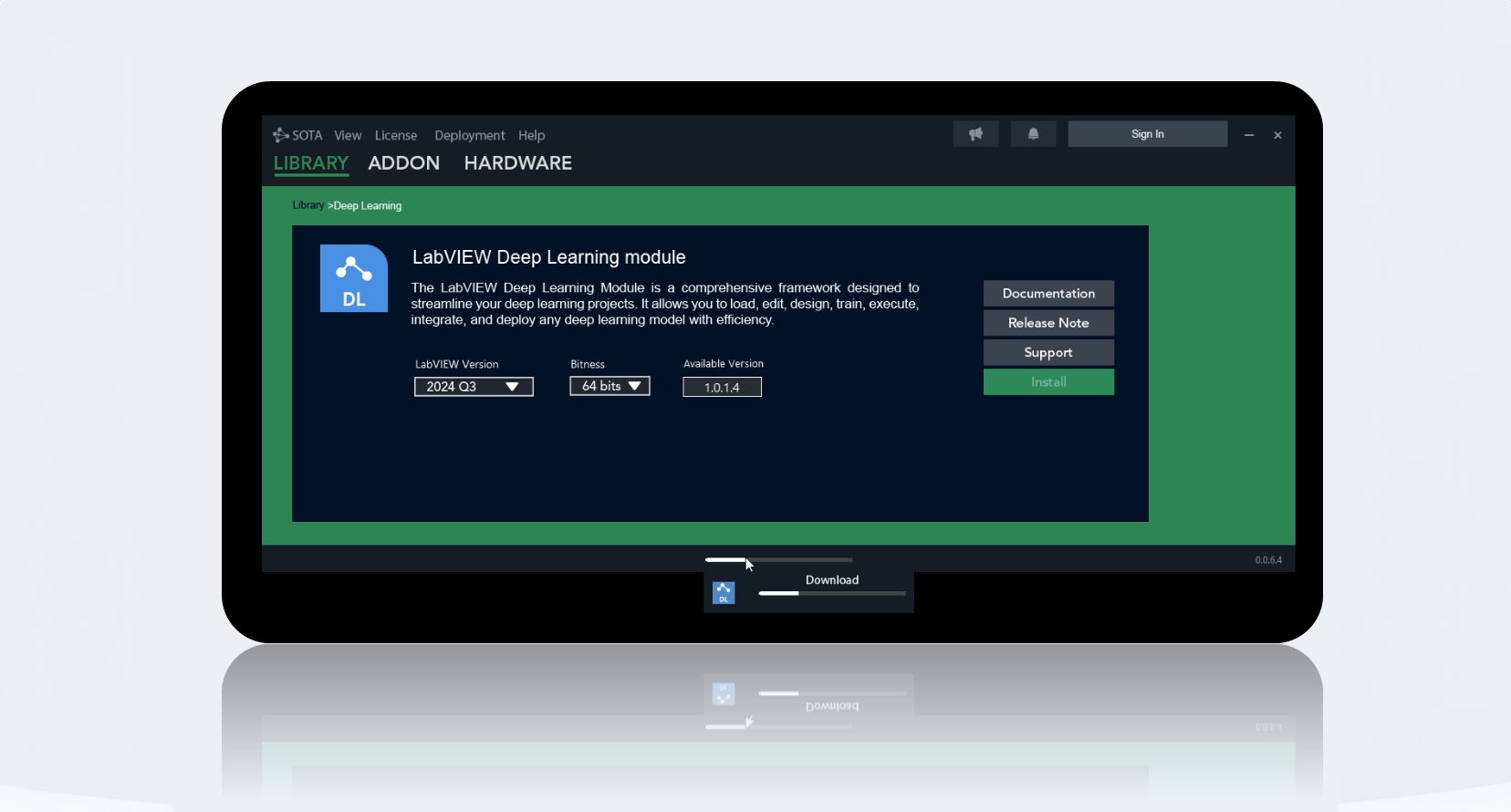
Five years of development brought modern AI into the LabVIEW workflow. With SOTA, engineers build AI applications using LabVIEW VIs, without having to write their application logic in Python or another external language.
From industrial image datasets to deployed models, the ecosystem connects Deep Learning, Computer Vision, GenAI and hardware acceleration with your software architecture.
Add model training, inference and image processing to the graphical workflows your engineering team already uses.
Prepare, train and validate models on your industrial image datasets in your own environment, without sending confidential images to a cloud training service.
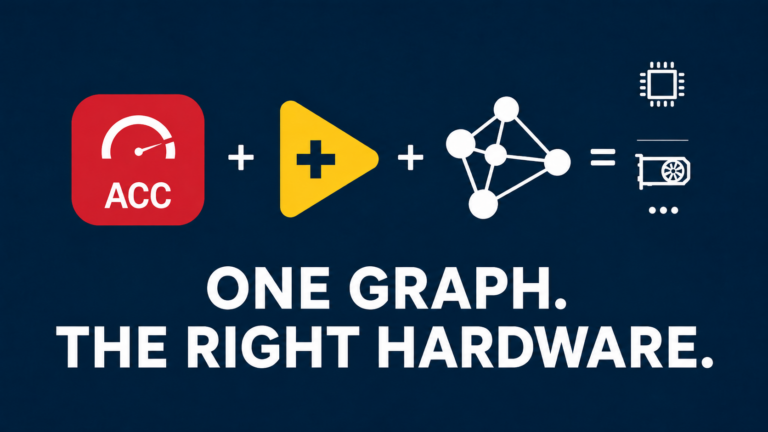
Use CPU/GPU execution for supported workloads. The Accelerator Toolkit brings GPU computation into LabVIEW, with public benchmarks and source VIs to examine the results.
Combine the four core toolkits with Annotator, FIG, Builder, versioned packages and guides to prepare data, import models and integrate them into your applications.
The SOTA manager prepares your environment. The guides explain how to install and use each toolkit. The catalog lets you choose Deep Learning, Computer Vision, Accelerator, GenAI and CUDA packages for your LabVIEW version.
Download the SOTA Windows installer and run it on your development machine.
Review the guides and examples before adding the module to your LabVIEW project.
Adapt an example to your system’s requirements. Our team can help with architecture and integration.
Each toolkit has its own guide and packages by LabVIEW version. Find files, hardware drivers, models and examples in the SOTA catalog.

Neural network training and inference inside LabVIEW.
Image acquisition, processing, annotation and inspection.

Accelerate supported LabVIEW computations on the GPU.

Generative model and local AI workflows in LabVIEW.
SOTA also includes tools to prepare data, import models and build a usable application.
Import and convert PyTorch, TensorFlow, Keras and ONNX models for LabVIEW use.
Annotate and augment image datasets, then train and test vision models.
Prepare LabVIEW executables with the libraries and files required by Graiphic toolkits.
Inspect a model’s architecture, layers and parameters.
Accelerator Toolkit is SOTA’s accelerated computing module. Our public LabVIEW GPU Benchmarks repository compares its GPU execution with CuLab, G2CPU and native LabVIEW CPU execution. The method, results and source VIs let you inspect or reproduce the tests. Gains depend on the hardware and workload.
 LabVIEW GPU Benchmarks / v1.1
Installation, industrial vision, generative AI and acceleration: play the demonstrations on this page.
Follow the online ecosystem setup before selecting your toolkits.
Open on YouTubeA Computer Vision Toolkit demonstration with a YOLO11 model.
Open on YouTubeAnnotation, training and detection in a practical vision example.
Open on YouTubeAn example of generative AI controlled from LabVIEW.
Open on YouTubeA focused walkthrough of the Accelerator setup in LabVIEW.
Open on YouTubeSOTA guides and test material are public. Internal product code remains private; only public repositories are linked here.
Toolkit guides, examples and public issue reporting.
View repositoryGPU acceleration in LabVIEW with SOTA’s Accelerator Toolkit: report, method and source VIs.
Explore resultsTutorials, product demonstrations and LabVIEW examples.
Visit channelRead the guides, report an issue on GitHub or contact support@graiphic.io with your versions and error message.