

SOTA / DOWNLOADS
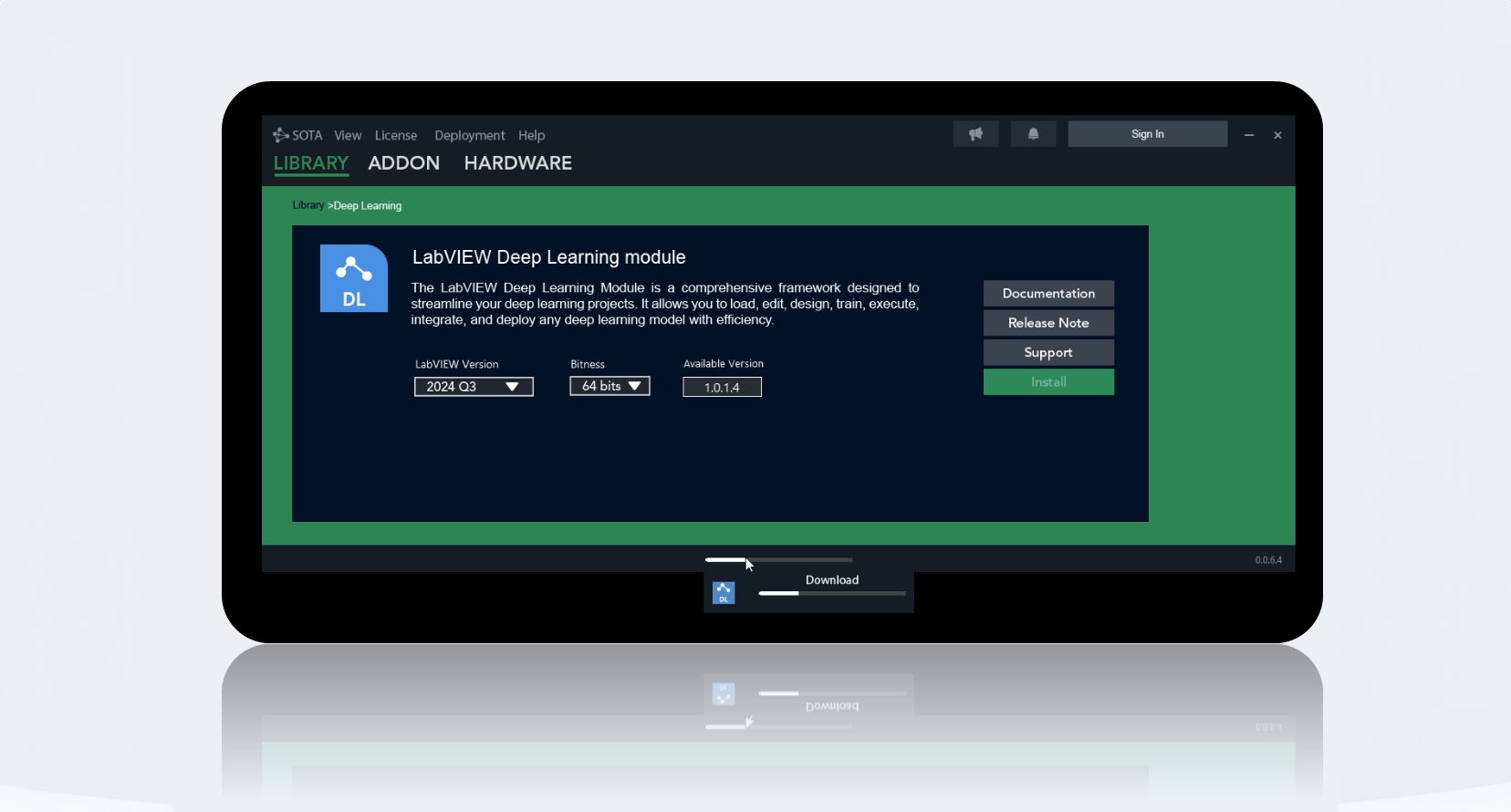
Download SOTA.
Discover SOTA, Graiphic’s ecosystem of tools and toolkits that makes it easier to integrate AI into LabVIEW architectures. Prepare data, train models and deploy applications with the resources your project needs.
Windows 64-bit LabVIEW ONNX
01 / SOTA ECOSYSTEM
From data to industrial systems.
The modules share a LabVIEW environment and use ONNX for model interoperability. Choose the components your application needs.
01
Prepare
Data, annotation and conversion.
02
Train
Models and learning environments.
03
Run
Inference and hardware acceleration.
04
Integrate
VIs, architectures and LabVIEW applications.
Toolkits
.stk
Computer Vision Toolkit
Acquire, process and analyse images for industrial inspection.

Accelerator Toolkit
Accelerate LabVIEW computations on compatible hardware, including GPUs.

GenAI Toolkit
Bring generative models, language and speech into LabVIEW.


Robotics & reinforcement learning
Connect agents and simulation environments to learning projects.
Explore environments02 / TOOLS
Prepare, build and analyse.
SOTA tools support model design and validation.

FIG / File Converter
Import, convert and export models for LabVIEW.

LM Studio
Prepare language model workflows: LLMs, SLMs and VLMs.

Annotator
Build and annotate vision datasets.

Builder
Prepare LabVIEW executables and include Graiphic dependencies.

Data
Prepare and organise data used by your models.
03 / ENVIRONMENTS
Learn in a practical environment.
The ecosystem includes simulation environments for reinforcement learning. The available Gymnasium package is listed in the catalog.
View the Gymnasium package Gymnasium
 ViZDoom
 Super Mario
 Atari
Atari Highway
 Stable Retro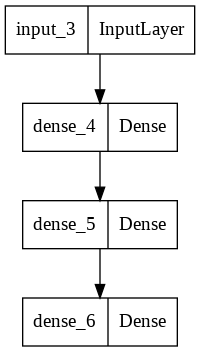
04 / VISUALIZE Netron for LabVIEWTool documentation
See the operations your model executes.
Netron lets you inspect a model’s layers, connections and parameters. Reading the architecture helps analyse inputs, outputs and operations before LabVIEW integration.
Netron for LabVIEW05 / GET STARTED
Install, then choose your components.
The SOTA manager requires the NI LabVIEW 2020 runtime. This prerequisite is separate from your project’s LabVIEW version, selected for each toolkit.
Every file, by category.
A single selection pairs the LabVIEW version with its matching package. Drivers, models, environments and examples also have their own downloads.
Resources to move forward.
Installation, compatibility and integration: read the guides or talk to our team.