Hi,
No, no other packages are required.
SOTA is a complete, sovereign, and autonomous ecosystem. All required toolkits and dependencies are provided directly through SOTA, so there is no need to install any external toolkit.
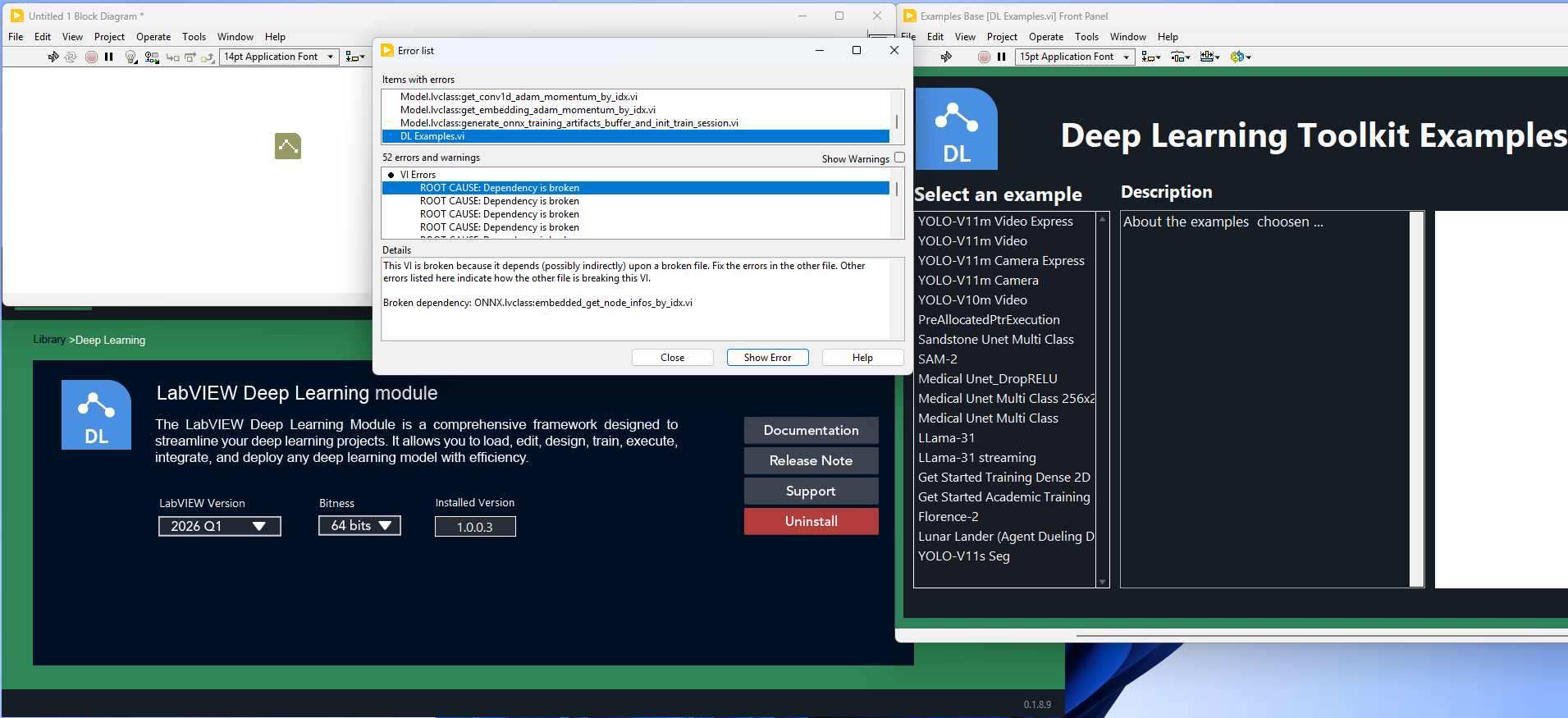
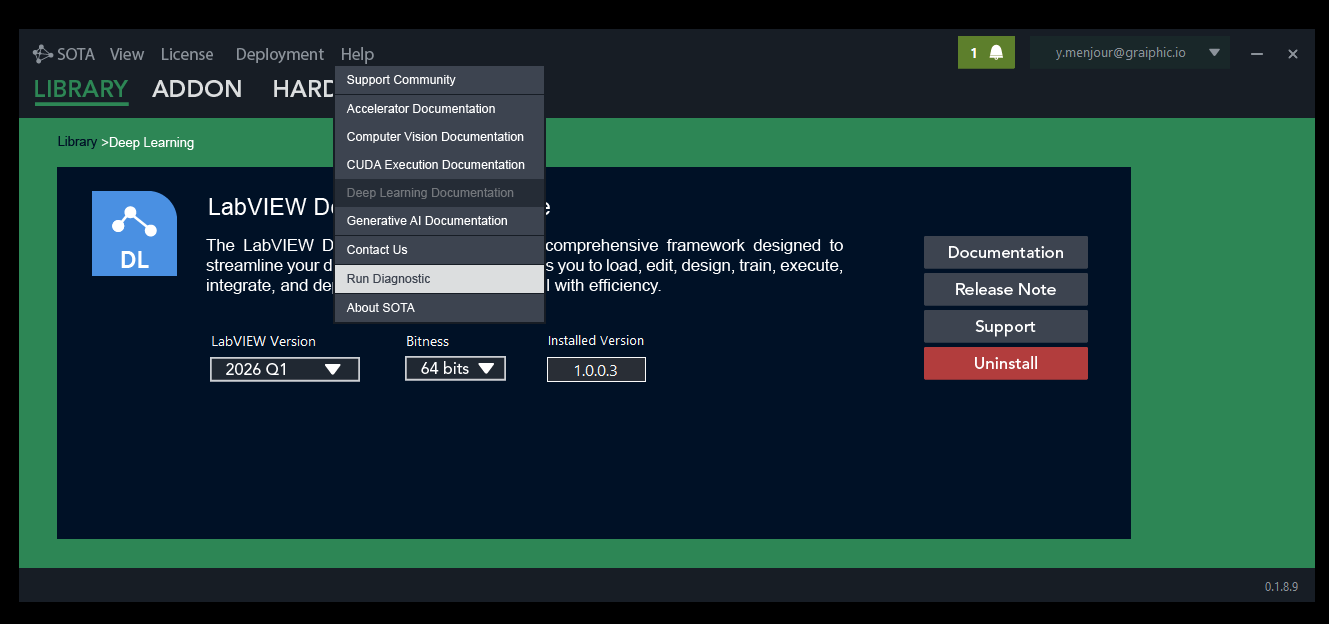
The issue you encountered was related to a bug in the previous Deep Learning Module package. This has now been fixed, and the current LabVIEW Deep Learning Module version is 1.0.0.3.
I strongly recommend installing and updating through SOTA directly, using the recommended installer:
https://download2.graiphic.io/sota_installer.exe
The current SOTA version is 0.1.8.9.
The local/offline installers do not include automatic updates because they are intended for PCs without internet access. If you want access to the latest updates and innovations, the recommended approach is to use the internet-connected SOTA installer, which allows updates to be installed easily in one click.
Please also note that the free license activation system only applies to the online version of SOTA. If the PC is not connected to the internet, automatic license activation cannot be completed.
Best regards,
Youssef
Graiphic

 .
.