
- This topic has 2 replies, 2 voices, and was last updated December 22 by
 .
.
-
Topic
-
Hello,
I am unable to access the Image Annotator tool in LabVIEW. I cannot find it in the Functions Palette.
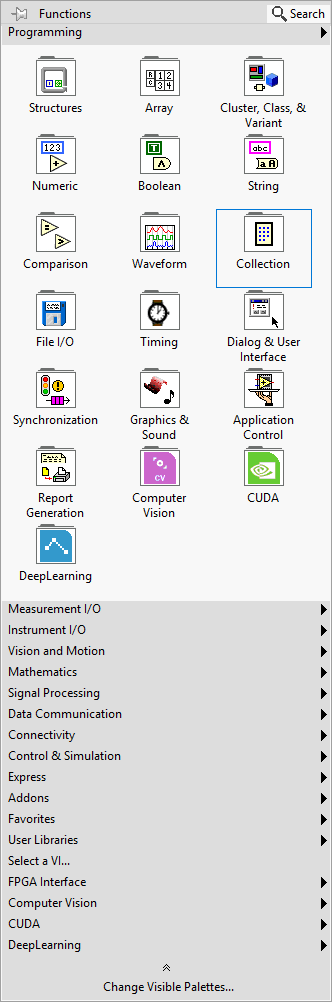
However, I do see an Annotator folder present at the following path:
C:\Program Files\National Instruments\LabVIEW 2020\vi.lib\Graiphic\
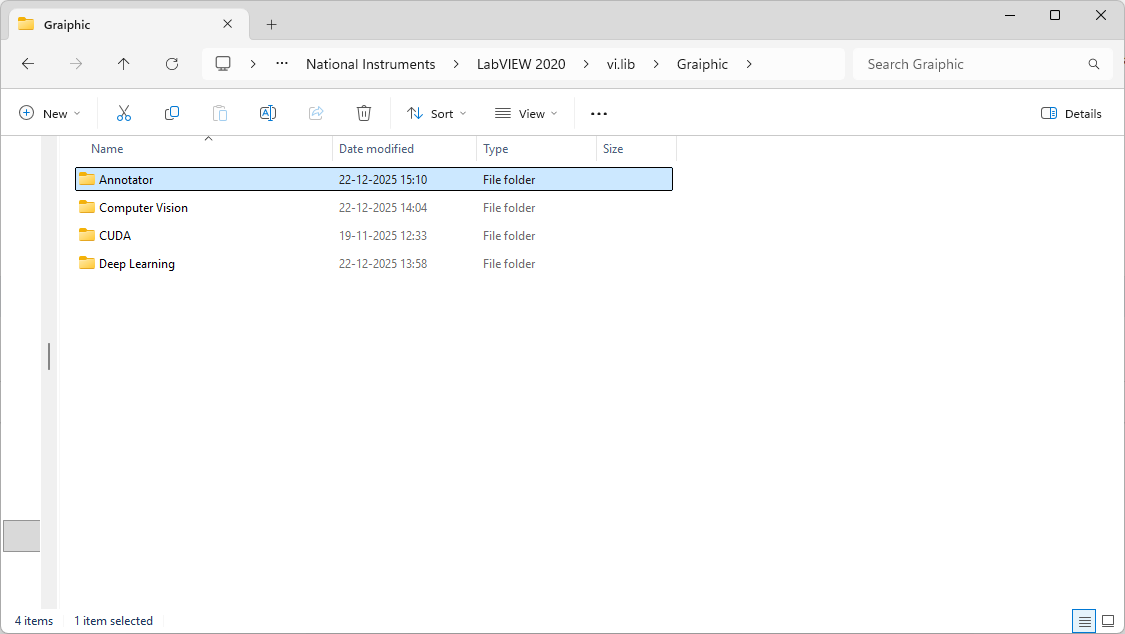
This folder exists alongside other Graiphic modules, but the Image Annotator does not appear in LabVIEW itself. I could not find any documentation or instructions explaining how to enable or access this tool.
If there is any additional installation step, palette configuration, or manual loading process that I may have missed, please let me know. I apologize if this is something obvious that I overlooked.
Kindly advise on how to access or enable the Image Annotator tool in LabVIEW.
Thank you in advance for your support.

- You must be logged in to reply to this topic.