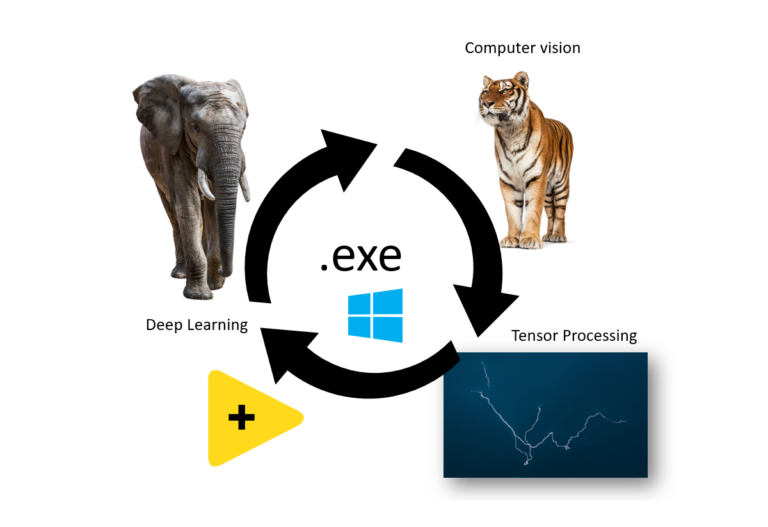
Building Executables from Graiphic Toolkits using Post Build File method
This guide demonstrates how to create executables from HAIBAL Deep Learning, TIGR Vision, and PERRINE Tensor Processing toolkits in LabVIEW. It simplifies deploying AI, computer vision, and tensor computation projects by converting them into standalone applications. Ideal for developers aiming to distribute LabVIEW-based solutions efficiently.
How to build an executable ?
Open GIM, select “Deployment” from the menu and click on “Post Build File“.
A window will open, in which you’ll find the file “Post-Build Action.vi“, which you’ll use to create an executable.
Create your executable and in the “Additional Exclusions” tab, uncheck “Remove unused polymorphic VI instances“, “Remove unused members of project libraries” and “Disconnect unused inline subVIs“.
Still in your executable’s properties, go to the “Pre/Post Build Actions” tab, check “Execute VI after build” and add the “Post-Build Action.vi” VI we retrieved in step 1.
Run the build and wait for the front panel to appear, which will allow you to retrieve the DLLs used by the GRAIPHIC toolkit.
On the first page, select the toolkit(s) present in your executable.
On the second page, select the hardware(s) compatible with the toolkit(s) in your executable.